Google preferred sources: how to choose the sites you see
Google lets you name the sites you want to see more of, and most people have never opened the setting. What preferred sources does, who can be chosen, and how to put the choice in front of your own readers.
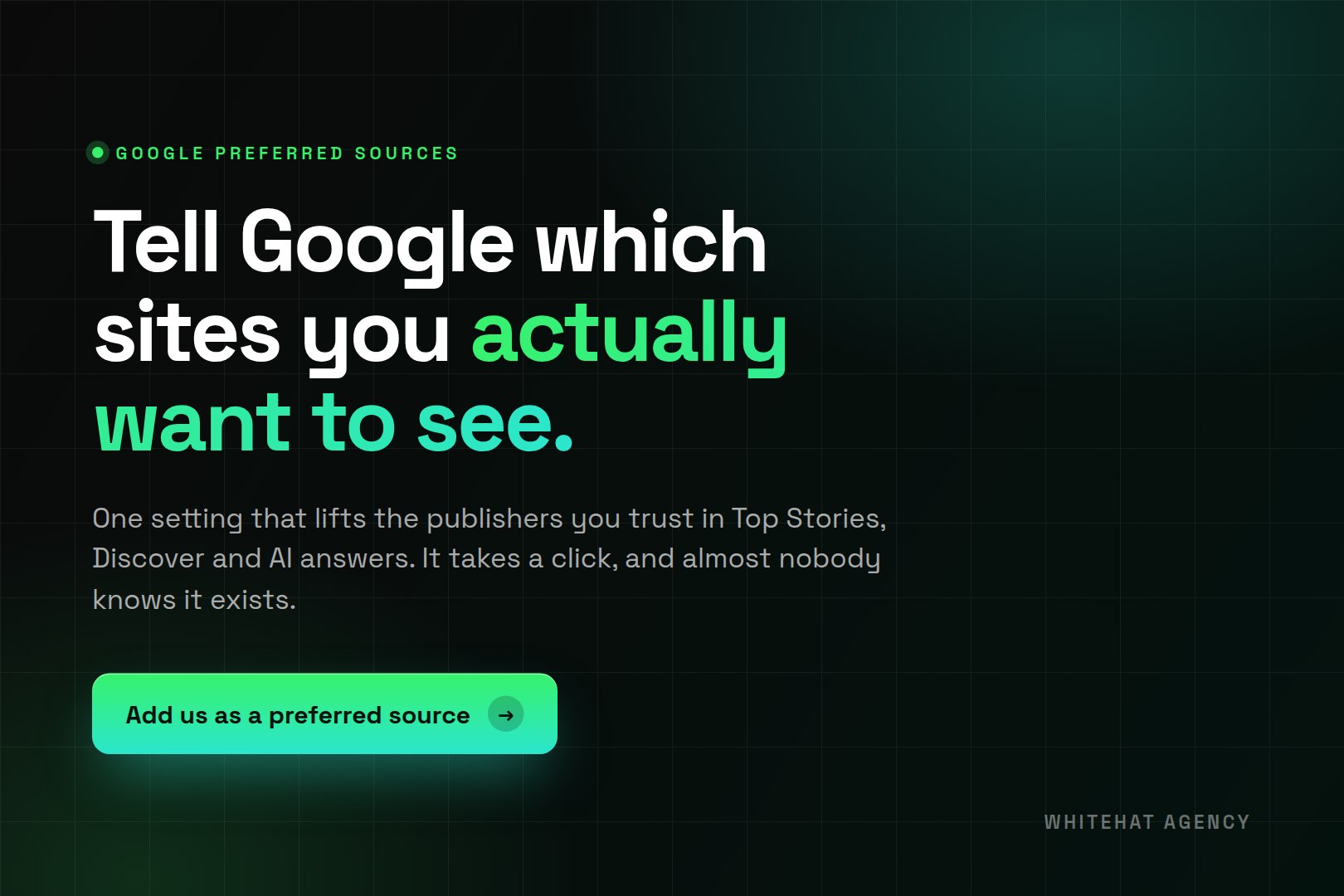
Google has a setting that lets you name the websites you want to see more of. Once you pick a site, Google shows it to you more often in Top Stories, in your Discover feed and inside AI answers. It is called preferred sources, it takes a few seconds to set, and most people have never opened it.
That is unusual. Almost everything in search is decided for you by an algorithm reading signals you cannot see. This is one of the few controls where you tell Google what you want and Google does it.
Preferred sources lets a reader nominate the sites they trust. Those sites then rank higher for that reader in Top Stories, Discover, AI Overviews and AI Mode. It changes nothing for anyone else, so it is a loyalty setting rather than a ranking factor.
What preferred sources actually does
When you mark a site as a preferred source, Google records that preference against your account. From then on, when that site has published something relevant to what you searched, Google is more likely to put it in front of you and less likely to bury it under twenty other results.
The lift applies across several surfaces, not just the blue links. Top Stories is the obvious one. Discover, the feed that appears when you open the Google app without searching for anything, is arguably the bigger prize because it reaches you when you were not looking. AI Overviews and AI Mode are the newest, and the reason this feature suddenly matters more than it did a year ago.
If you want the background on how those AI surfaces changed search, we wrote about how AI search is reshaping SEO and the difference between AEO, SEO and GEO.
Which sites can be chosen
The feature started as a news product, and for a while only news publishers were eligible. Google has since opened it to any site that publishes fresh content. There is no application, no approval queue and no minimum audience size.
Two limits are worth knowing:
- ✓ It works at domain level. You can choose
example.comor a subdomain likenews.example.com. You cannot chooseexample.com/blogon its own. - ✓ It only does anything when the site has published something recent and relevant to what you searched. A site that posts twice a year will not appear more often, because there is nothing new to surface.
How to pick your own preferred sources
Worth doing for your own reading, regardless of anything to do with marketing. If you rely on two or three publications in your industry, this is how you stop competing with everyone else for space in your own feed.
- Run a search on a topic you follow, then look for the icon beside Top Stories that opens source preferences.
- Search for the publications you actually read and tick them.
- Or go straight to a site's preference page using a direct link, which is what the buttons you see on publisher sites do.
- Change your mind whenever you like. Removing a source is the same two clicks as adding one.
How to let readers choose you
If you publish anything, you can put the choice in front of your own readers. Google provides a direct link into the preference tool for a given site, so the reader lands on the right screen rather than hunting for a setting.
Google also offers a JavaScript button you can embed. We deliberately did not use it, and if you are weighing the two up, here is the reasoning. A plain link loads no third-party script on your site, so there is nothing extra to disclose in a cookie policy, no weight added to the page, and nothing that breaks the day Google changes its library. The button looks more official. The link does the same job and costs nothing to run.
Where you put it matters more than how it looks. The people who will click are the ones who just finished reading something of yours and thought it was good. Article footers, author pages, newsletters and social bios are where that person is. A button on your pricing page is aimed at somebody who has never read a word you wrote.
What it does not do
This is where a lot of coverage overstates it. Preferred sources is not a ranking factor. Nothing about it changes what a stranger sees when they search. It moves results for people who have already chosen you, which means the ceiling on it is the size of your existing audience.
So it will not fix a site nobody has heard of, and it is not a substitute for the work that earns new readers in the first place. Treat it as a way of holding on to the attention you already have, and of making sure the people who like your work actually see it when it lands.
The condition most guides skip
The signal fires when you have published something recent and relevant. On a site that publishes sporadically, the button is decoration. Somebody clicks it, feels good about it, and nothing changes for them because there is nothing new to show.
That makes publishing cadence the real deliverable and the button the collection mechanism. If you are adding one without the other, you are adding the easy half. This is the same trap as building a beautifully structured page nobody links to: the mechanism is fine and the fuel is missing.
We measure it before we promise anything. Then we go and change it.
A free audit that runs your buyer questions through five AI engines live and shows you who gets cited instead of you.
What we did on our own site
We added the link to the foot of every article on this blog, sitting under the author bio, which is 108 posts. It is a plain link for the reasons above. If you scroll to the bottom of this page you will see exactly what a reader sees.
We are not expecting thousands of clicks. Realistically it will be tens of people. That is fine, because they are the right tens: nobody makes a brand a preferred source unless they already rate it, which makes every click a signal worth having.
What this means if you run a business
If you publish nothing, this feature has nothing to work with and you can safely ignore it. If you publish regularly, it is close to free to set up and it compounds quietly with the audience you are already building.
The wider point is the one worth taking away. Search is moving toward answers rather than lists, and the brands that get named in those answers tend to be the ones people already recognise. Preferred sources is a small, literal version of that: Google asking who you trust, and then acting on the answer. The work that makes someone answer with your name is the same work it has always been, which is why we treat AEO as part of SEO rather than a separate product (we run the two together as AI SEO), and why content that earns attention sits underneath both.
Frequently asked questions
What is Google preferred sources?
It is a setting that lets you tell Google which websites you want to see more of. Once a site is nominated, Google gives it more prominence for you personally in Top Stories, Discover, AI Overviews and AI Mode. It has no effect on what anybody else sees when they run the same search.
How do I add a site as a preferred source?
Open the source preferences tool from the icon beside Top Stories, search for the publication and tick it. Many publishers also place a direct link on their own pages, which takes you straight to the right screen for that site. Removing a source later takes the same two clicks.
Is preferred sources a ranking factor?
No. It changes results only for the person who chose the site, so it cannot lift you in front of an audience that has never heard of you. It is best understood as a loyalty setting. The work that earns new readers is separate and still has to be done.
Do I need to be a news publisher?
Not any more. The feature began with news, and Google has since opened it to any site publishing fresh content. There is no application and no approval step. The practical requirement is that you publish often enough for Google to have something recent to show.
Can I nominate just one section of a site?
No. Preferred sources works at domain and subdomain level, so you can choose a whole site or a subdomain such as news.example.com. You cannot nominate a single folder like example.com/blog on its own, and you cannot nominate an individual article.
Should I use Google's button or a plain link?
A plain link is our recommendation. It loads no third-party script, so there is nothing extra for a cookie policy to cover, no page weight added and nothing that breaks when Google updates its library. Google's embedded button looks more official and does the same job.
Where should the link go on my site?
Wherever a reader has just finished something and is warm: article footers, author pages, newsletters and social bios. Avoid pricing and service pages, where visitors are still deciding whether they trust you and a second call to action competes with the one that matters.
Will it work if I only publish occasionally?
Barely. The signal fires when your site has published something recent and relevant to what the reader searched, so a site that posts a few times a year gains almost nothing. Publishing cadence is what makes the setting worth collecting in the first place.