App design tips: how to build a mobile app worth keeping
With most Australians on a smartphone, a well-built app can open a direct channel to your customers — but a bad one gets deleted fast. Here's why an app might be worth it, and the design principles that keep it on the home screen.
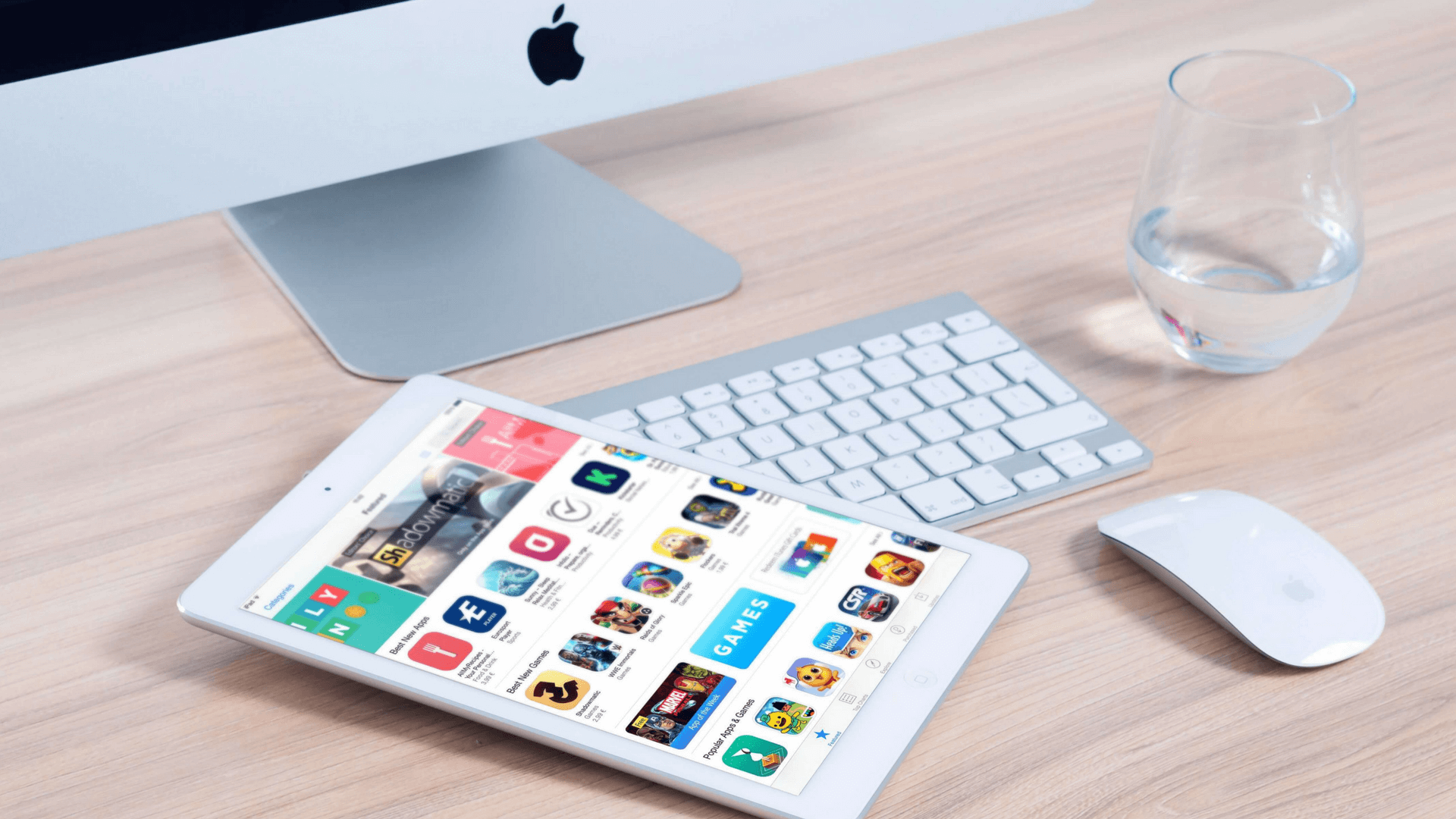
Most Australians carry a smartphone, and a large share of their day happens inside apps rather than browsers. That makes a well-built app a genuinely direct line to your customers — one that lives on their home screen and reaches them with a tap. But the bar is high. A clunky, battery-draining or pointless app gets deleted within days, taking your investment with it.
So before you build, two questions matter: is an app actually right for your business, and if so, how do you design one people keep? This guide covers both. App design is its own discipline, distinct from web design — and treating it that way is the first step.
An app isn't automatically worth it. It's worth it when it does something a mobile website can't — and when it's designed so well that opening it feels effortless. Anything less, and people delete it.
Why build an app at all
An app only earns its place if it offers something your mobile site doesn't. When it does, the upsides are real:
- A new, direct channel. Push notifications let you reach customers with timely, relevant messages — sales, events, order updates — straight on their phone, and make your business feel more reachable in return.
- Deeper engagement. Apps can offer location-aware, personalised experiences that feel tailored in a way a website rarely matches.
- A way to stand out. Plenty of businesses have a responsive site; fewer have a genuinely good app. It's another place for customers to find — and stick with — you.
- Capabilities a website can't match. Loyalty programmes a tap away, virtual try-on, offline access, augmented reality — apps open creative possibilities the browser can't. Once people are in, the same rules apply as on the web for turning visitors into customers.
Think loyalty apps that store points and reward repeat visits, or ride and delivery apps that store your details so checkout is a single tap. The common thread in every great app is that it removes friction from something people do often.
Design for the medium, not the desktop
The most common mistake is treating an app like a shrunken website. It isn't. Navigation, data and interaction all work differently on a phone. People often use one hand, screen space is limited, and content needs to be more compact. Separate your app design from your web design from the start, and build for how the device is actually held and used.
The core app design tips
- ✓ Respect the device's limits. Don't drain battery or hog storage. An app that runs the phone down or eats space is first in line for deletion — keep it lean.
- ✓ Design the appearance with intent. Use colour hierarchy and deliberate placement for calls to action, just as on the web — our CTA design tips apply on mobile too. And keep it current: a dated-looking app reads as untrustworthy.
- ✓ Follow each platform's guidelines. iOS and Android have their own design and interface rules. Stick to them, or risk a poor experience — or rejection from the app stores.
- ✓ Make it intuitive. Every screen should make the next action obvious. If people have to think, you've lost them.
- ✓ Keep content compact and scannable. Small screens punish clutter even harder than desktops do.
We'll help you decide if it's worth it start with a free audit.
Our team reviews your customers and goals, then advises whether an app — or a better mobile site — is the smarter investment. Honest and yours to keep.
What makes an app great
Strip everything back and a great app comes down to one thing: it's genuinely useful and effortless to use. The standout apps people keep all provide a real service, lean into what mobile does uniquely well, and put user experience first. Some even use AI to personalise the experience — a health app that adapts to your habits, say — but the personalisation only works because the core experience is excellent. Nail the usefulness and the polish, and you've got an app worth keeping.
Test, then test again
No app survives contact with real users unchanged, so build testing into the process rather than bolting it on at the end.
- Talk to real users early. Before you build, find out which features genuinely matter to the people you're designing for. It saves time and money to learn this up front.
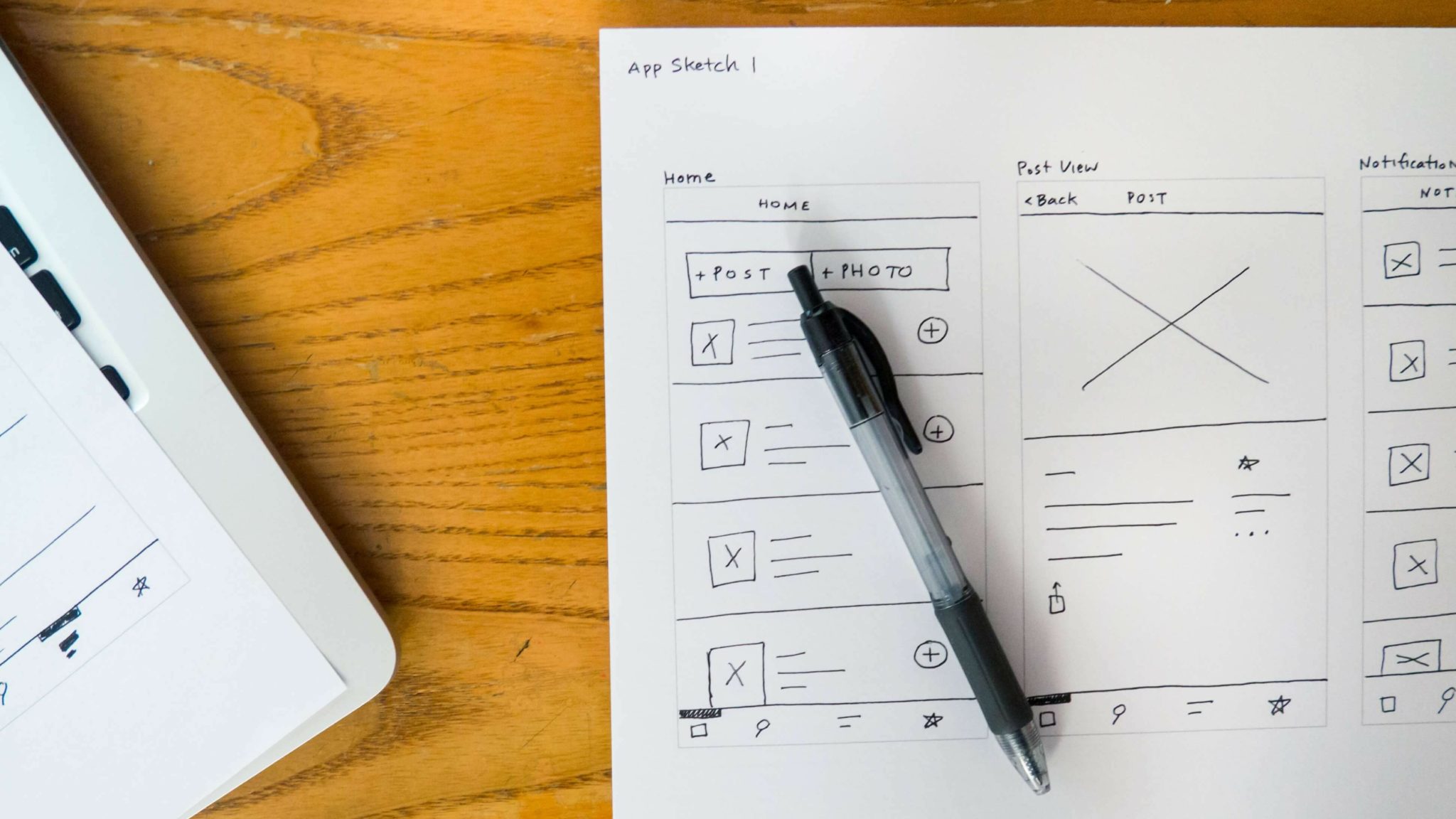
- Build interactive prototypes. Test a working prototype so your team understands the app and can iron out issues before launch.
- Gather feedback at each stage. Bring users back in as the app develops to find what's working and what needs fixing.
An app is a significant investment, and the difference between one that's loved and one that's deleted is almost always the quality of the thinking behind it. Design for the medium, keep it lean and intuitive, and test relentlessly. If you're weighing up whether an app is the right move — or whether your effort is better spent on a faster mobile site — our team can help you make the call.
Frequently asked questions
How do I design a good mobile app?
To design a good mobile app, build for the medium rather than copying a desktop site: account for one-handed use, limited screen space and compact content. Respect the device by keeping the app lean on battery and storage, follow each platform's design guidelines, make navigation intuitive, and test prototypes with real users throughout development.
Is app design different from web design?
Yes, app design is different from web design. Navigation, data handling and interaction all work differently on a phone, where people often use one hand and screen space is limited. Treating an app like a shrunken website is a common mistake — successful apps are designed specifically for how mobile devices are held and used.
Does my business need a mobile app?
Your business needs a mobile app only if it does something a mobile website can't — like offline access, push notifications, loyalty features or richer personalisation. With most Australians on smartphones, a great app can deepen engagement, but a pointless one gets deleted. For many businesses, a fast, responsive mobile site is the smarter first investment.
Why do people delete apps?
People delete apps that drain battery, hog storage, look dated or feel clunky to use. Limited phone resources mean a heavy or poorly performing app is quickly removed. The fix is to keep the app lean, intuitive and genuinely useful — if opening it doesn't feel effortless and worthwhile, it won't survive on the home screen.
How important is testing in app design?
Testing is essential in app design. Talking to real users early reveals which features actually matter, interactive prototypes let your team catch issues before launch, and ongoing feedback shows what's working as the app develops. Skipping testing is how apps ship with frustrating flaws — the difference between an app people keep and one they delete.